At first glance the BlackBerry Z30 doesn’t look all that different from the Z10. It just happens to be a bit bigger. However, this smartphone does have a few features that you won’t find in the Z10.
BlackBerry Z30 specifications
The BlackBerry Z30 has a 5 inch Super AMOLED display with 1280 x 720 pixels resolution. It is powered by a dual core 1.7GHs snapdragon quad-core Andreno processor. Other specifications include 2GB of RAM, 16GB Flash and Hot Swappable MicroSD slot (up to 64GB). There is an 8 megapixel camera on the rear side and a 3 megapixel camera on the front side.
Design and build quality
The Z30 has an intuitive design that makes it comfortable to hold. At 170g, it is heavier than similar Android phones. On the bright side, this extra weight makes the device look and feel solid in your hands. Build quality is excellent. All parts are tightly assembled.
BlackBerry Z30 display
The display is excellent. Colors look vibrant and text appears sharp. The screen is pretty responsive, too. The display comes with an anti-reflection coating which allows you to view the phone’s screen even in direct sunlight. The viewing angles are also pretty good.
Battery life
The Z30 comes with large 2880 mAh battery which will reportedly get 25 hours of battery life. BlackBerry says that users will get 18 hours of talk time, 12 hours of video playback, 90 hours of audio playback and 16 days standby. The Z30 also comes with a Paratek Antenna technology which helps prolong the battery life even when you are in a low coverage area.
BlackBerry Z30 camera
The Z30 has an 8 megapixel camera. It is the same as the one on the Z10. The camera can be launched from lock screen. Simply press and hold down a finger on camera’s icon. You can also launch it with a simple click on the camera’s icon in phone’s app panel. Shots taken outdoors with plenty of lighting look good. The images appear a bit grainy when shot under low lighting.
BlackBerry Z30 software
The OS is snappy and visually appealing. The home screen is comprised of three panels - the apps panel, active frames panel and the BlackBerry Hub. You can get into any of them by swiping left/right at the home screen. The BlackBerry Hub is essentially a notification center. Getting to the Hub is easy. You simply need to swipe up from the bottom of the display and to the right. The Active Frames panel shows currently running apps in a minimized mode.
The Browser
The Z30’s browser looks great. It supports Flash. While viewing webpages, bars hide themselves neatly to increase screen space. Typing on the Z30 is easier than typing on the Z10 thanks to the large buttons.
Call quality
Call quality is good; however, the maximum volume is low. This can be a problem in noisy environments. On the bright side, the handset comes with noise-cancelling mics which filter out the ambient sounds and send your voice pretty loud to the other side.
Conclusion
The Z30 is a consumer centric big screen smartphone packing all the security and messaging features of the BlackBerry platform. It has decent specifications and with its larger display it is much better than the Z10. However, the $600 + price tag may put off many buyers. The Z30, after all, isn’t better than the iPhone or other flagship Android phones that command the same premium. The limited availability of apps is another problem.
Related posts

BlackBerry Passport Wins the Mobile Madness Contest Held by TechnoBuffalo
by - Apr 13, 2015 5:39 AM
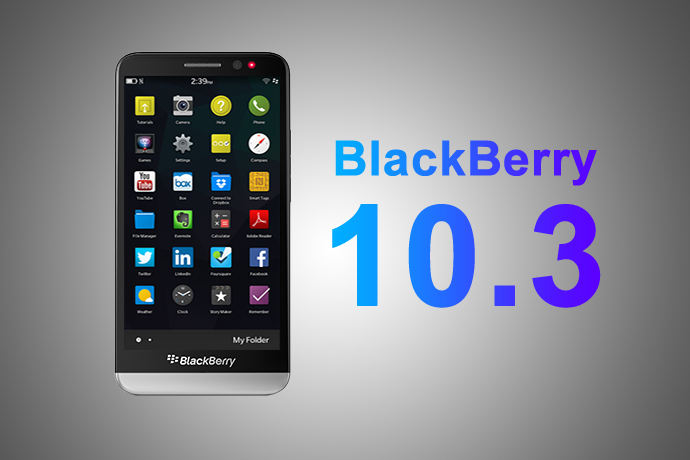
Overview of Advanced Interactions in BlackBerry 10.3.1
by - Apr 10, 2015 5:31 AM

BlackBerry Launches BES 12 Cloud for SMBs and Enterprises
by - Apr 8, 2015 5:21 AM

BlackBerry Apps Once Again!
by - Apr 6, 2015 5:53 AM
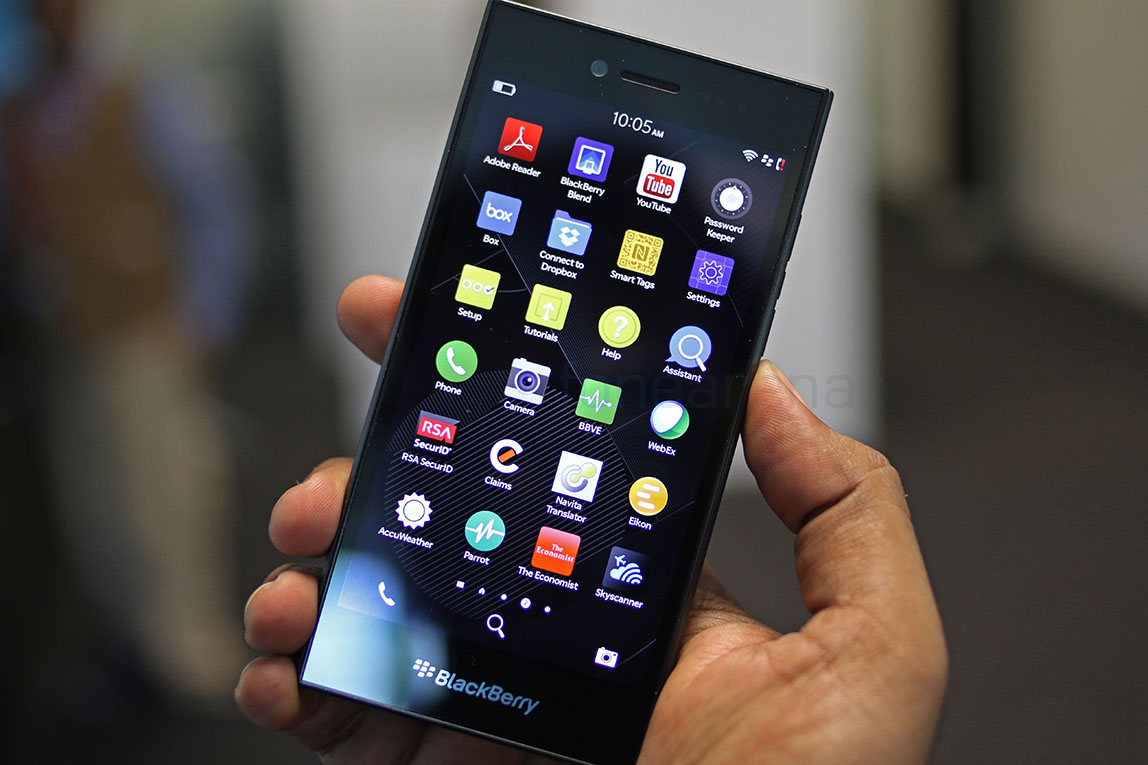
BlackBerry Leap up for Pre-Order
by - Apr 3, 2015 5:41 AM

BlackBerry Has Turned Things Around
by - Apr 1, 2015 4:53 AM

The BlackBerry Care Protection Plan for the Passport and the Classic Introduced
by - Mar 30, 2015 1:44 AM
Home › Forums › BlackBerry Z30 – The Good and the Bad
This topic contains 0 replies, has 1 voice, and was last updated by Thea Neuman 2 years, 9 months ago.
You must be logged in to reply to this topic.