Blackberry has some more excitement planned. First there was BBM and now it’s the OS 10.2 roll out. It appears that BB has decided to give users all that they’ve been waiting. Fingers are being crossed so everything goes off smoothly as planned and no one needs to wait too long.
BlackBerry OS 10.2 has some great new features that will help you stay connected in a better way and increase productivity. These promise to make everyday actions easier and faster.
You’ll get a notification when the update is available. Alternatively, to manually check for it, select Settings > Software Updates.
Here are some new BlackBerry OS 10.2 features you’ll simply love.
Priority Hub
The Priority Hub enables you to keep important conversations at your fingertips always. It teaches itself the conversations that matter the most and places them strategically in your inbox. This helps you to maintain focus on what’s really important. With the contemporary attachment view, you can easily trace documents and files over different messaging accounts and threads.
Natural Sound on BBM Video
With BBM Video, you could have live conversations face-to-face. Now with the enhancement of BlackBerry Natural Sound, your conversations will sound more realistic and natural – you’ll almost feel you’re conversing with someone within the same room. BB Natural Sound allows you to experience subtle nuances not often delivered by regular cellular calls.
Instant SMS, BBM and Email Previews
All your messages, whether SMS, BBM or E-mail, now reach you right away, irrespective of what’s happening on your BB 10 smart phone. You can access previews of all messages from any app and even respond to them. So you can keep conversations going while you’re watching a video, browsing the web, or using any app. You can specify the way you want notifications to work and you’re not disturbed without sanction.
BlackBerry Keyboard
Your smart phone keyboard gets even smarter. Features like next word suggestion and auto-correction coupled with the distinctive layout, can make conversations speedy and accurate. On the BB Z10 and Z30, you’ll get more confidence regarding your typing with the enhanced audio feedback. This offers distinct tones for keys like shift and backspace.
Copy - Paste Enhancements
You’ll find copy-pasting much simpler with BlackBerry 10.2. You get better cursor control and easier text selection. A pop-up menu appears with editing and sharing options when you select text. So copying, pasting and sharing becomes a breeze.
Enhanced Sharing
Sharing becomes faster and easier when BB 10.2 learns sharing habits. The steps and time required to get documents, files and photos to their destinations are significantly reduced. When you touch “share” in an app, you’re provided suggestions based on past usage. This feature gets smarter as you keep using it.
Notifications on Lock Screen
When you see the red light on your phone blinking, you need not unlock to view your messages. You can peek at new emails, BBMs, texts and notifications from the lock screen itself. You can also customize the accounts that the lock screen displays and scroll over icons to view the sender name and subject.
Related posts

BlackBerry Passport Wins the Mobile Madness Contest Held by TechnoBuffalo
by - Apr 13, 2015 5:39 AM
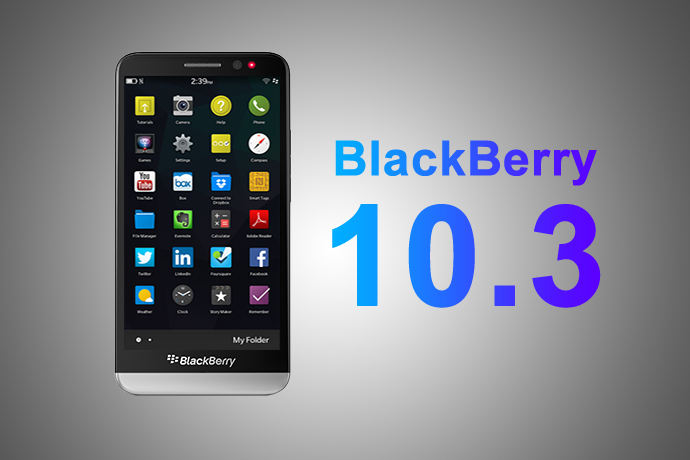
Overview of Advanced Interactions in BlackBerry 10.3.1
by - Apr 10, 2015 5:31 AM

BlackBerry Launches BES 12 Cloud for SMBs and Enterprises
by - Apr 8, 2015 5:21 AM

BlackBerry Apps Once Again!
by - Apr 6, 2015 5:53 AM
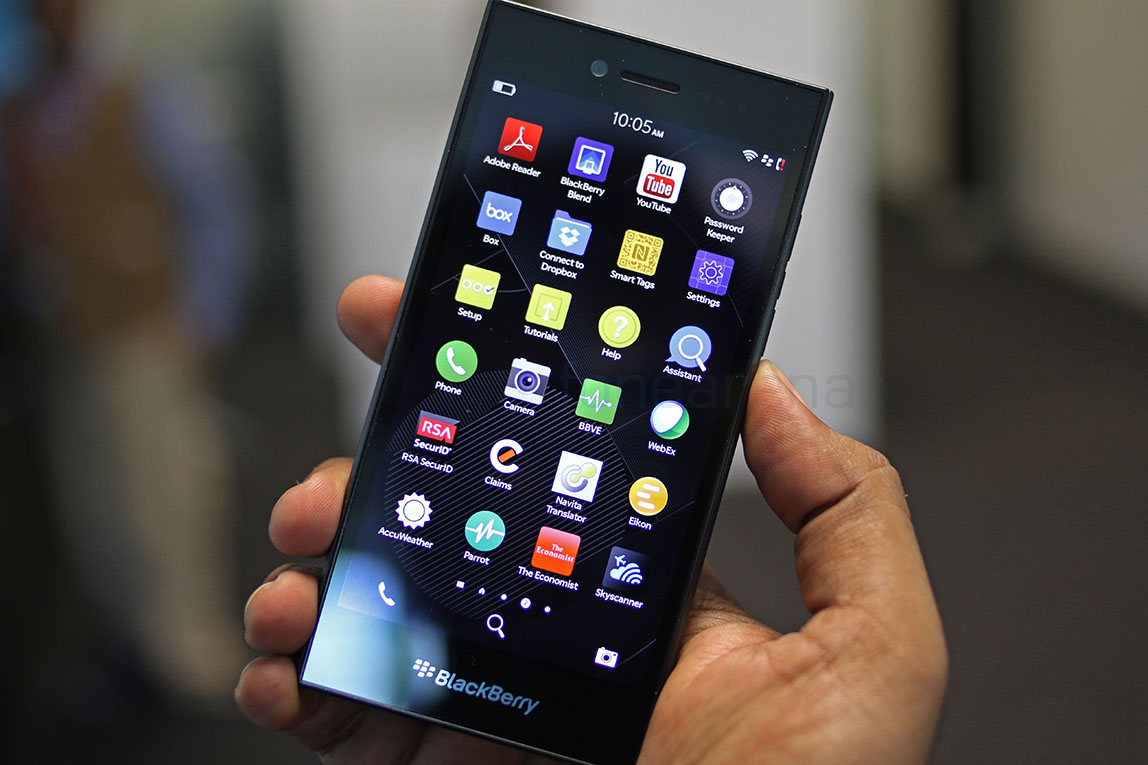
BlackBerry Leap up for Pre-Order
by - Apr 3, 2015 5:41 AM

BlackBerry Has Turned Things Around
by - Apr 1, 2015 4:53 AM

The BlackBerry Care Protection Plan for the Passport and the Classic Introduced
by - Mar 30, 2015 1:44 AM
Home › Forums › BlackBerry OS 10.2 - What’s New
This topic contains 1 reply, has 2 voices, and was last updated by chrisgaza 2 years, 8 months ago.
You must be logged in to reply to this topic.