The ID3IOT is a simple app that allows you to clean up and edit audio tags.
When you run the application it will scan the music folder to see if there are any albums with missing album art or information. Once you have scanned your collection using the app, you can edit or add information by tapping the relevant track. If you possess a huge collection, you can use the search function to find the exact file that you want to edit. Actually you can select multiple files and edit them all at once. But note that this feature is only available in the pro version of the app.
In addition, the ID3IOT app supports editing from the ‘File Manager’. So if you find a file that needs to be edited you can use the Share option and then select ID3IOT from the list. Also while editing you can listen to the song clicking on the Play icon. This feature allows you to hear the song to verify that you are adding accurate information.
When you try to add album art, the application will prompt you to use a file from your local disk or run a search. If you use the search function, it will open your browser so that you can get the album art from an online source.
When you download ID3IOT, you will be notified that there is a pro version. If want to edit files in bulk, you will definitely have to upgrade to the pro version. Curiously, when you download the app, it is hard to find the option to purchase. You can, nonetheless, go ahead and do things that only the pro version supports. You will find the prompt to upgrade when you are about to save the changes you made. While this is understandable, it would be nicer if there was an option to upgrade the app from within the app. On the bright side, your unsaved settings will not be lost. So you will not have to retype things all over again. Once you make the purchase, you can continue from where you left off.
Pros
- ID3IOT makes it easy to add or edit audio tags.
- You will be able to add album art.
- The pro version also supports bulk editing.
Cons
- Finding the in-app upgrade option is rather difficult.
- While there is an option to search for album art, this feature currently only supports web search. You won’t be able to search a data base for finding album art.
Conclusion
If you are particular about keeping your audio tags sorted out, you will definitely appreciate the functionality offered by this little app. It allows you to edit and sort your audio tags. The interface is simple and easily gets the job done. You will also appreciate the ability to edit files in bulk. The ID3IOT is a free app for BlackBerry 10 devices. There is a pro version and it supports many more features. It runs $0.99. Highly recommended for music aficionados who want to keep their album in order.
Related posts

BlackBerry Passport Wins the Mobile Madness Contest Held by TechnoBuffalo
by - Apr 13, 2015 5:39 AM
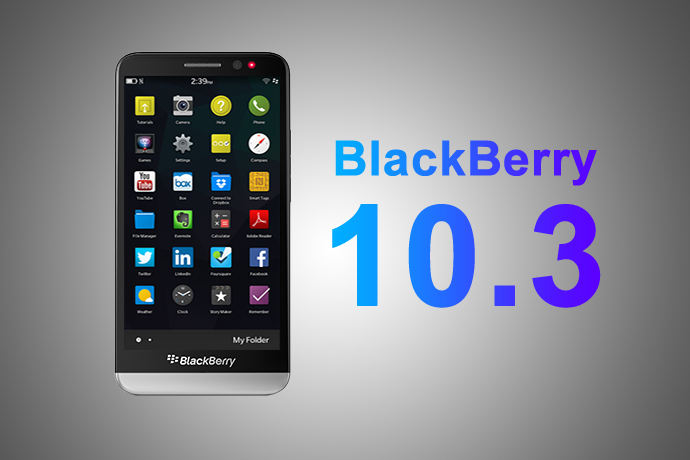
Overview of Advanced Interactions in BlackBerry 10.3.1
by - Apr 10, 2015 5:31 AM

BlackBerry Launches BES 12 Cloud for SMBs and Enterprises
by - Apr 8, 2015 5:21 AM

BlackBerry Apps Once Again!
by - Apr 6, 2015 5:53 AM

BlackBerry Leap up for Pre-Order
by - Apr 3, 2015 5:41 AM

BlackBerry Has Turned Things Around
by - Apr 1, 2015 4:53 AM

The BlackBerry Care Protection Plan for the Passport and the Classic Introduced
by - Mar 30, 2015 1:44 AM
Home › Forums › ID3IOT: A Cool BB 10 App for Editing Audio Tags
This topic contains 0 replies, has 1 voice, and was last updated by Thea Neuman 2 years, 1 month ago.
You must be logged in to reply to this topic.