A mobile hotspot is a handy feature in your BlackBerry10 Smartphone, using which you can share your internet data over Wi-Fi. You can connect any device to the internet using the data from your BlackBerry10 device. Although this might be heavy on your wallet because of the data charges that are incurred by enabling the Wi-Fi hotspot. There is also another factor to keep in mind - battery life.
Setting up a fresh mobile hotspot on your BlackBerry10 device is pretty straightforward. You can even add the hotspot option onto your device’s quick settings menu.
- Swipe down for the menu from the very top of your home screen.
- Give a tap on settings, tap again on ‘Network Connections’ and click open the ‘Mobile Hotspot’ option.
- Just brush through the instructions that appear on your screen if this is the first ever time you are using your BlackBerry10’s mobile hotspot feature.
- Toggle the ‘Mobile Hotspot’ button to ‘ON’.
- Now connect any device to your Hotspot by simply selecting your hotspot connection on that device.
That was the easy part. Now that you are aware of how to switch on the mobile hotspot, it is prudent to keep track of how much battery life it is taking up. It is highly recommended to keep your BlackBerry smartphone plugged into any available power source for the entire duration you keep the hotspot connection active. This would have been your only course of action had you been using any other smartphone. With your BlackBerry10 device, however, you have the option of an inactivity timer. You can set your connection to turn ‘OFF’ after a set period of inactivity. The inactivity timer is customizable to suit your needs.
Most of the hotspot settings need to be configured right at the beginning when you activate your hotspot. These settings can be later altered to suit your preferences. You can also enable quicker access to your BlackBerry10’s mobile hotspot by placing it in your device’s quick-settings menu option. This way you can toggle your mobile hotspot to ‘OFF’ or ‘ON’ with a simple tap.
- Swipe down the menu from the very top of your home screen.
- Give a quick tap on ‘Settings’ and open ‘Quick Settings’.
- Check the box you see next to ‘Mobile Hotspot’.
Once the shortcut is added to this menu, turning on your hotspot is as simple as tapping on the icon. Give a short tap on ‘Hotspot’ instead if you are looking to edit your connection settings.
You can also disconnect your connected device with great ease.
- Swipe down the menu from the very top of your screen.
- Give a short tap on the icon. After ‘Settings’ is opened, tap on the ‘Network Connections’ options, then click on ‘Mobile Hotspot’.
- Select the device name that you wish to disconnect from yourBlackBerry10’s Mobile hotspot connection.
- Give a short tap on the icon.
Once you have disconnected any device from your hotspot, you will need to start a fresh session in the Mobile Hotspot mode once again. BlackBerry10 productivity can now spread beyond your device with this simple data sharing process.
Related posts

BlackBerry Passport Wins the Mobile Madness Contest Held by TechnoBuffalo
by - Apr 13, 2015 5:39 AM
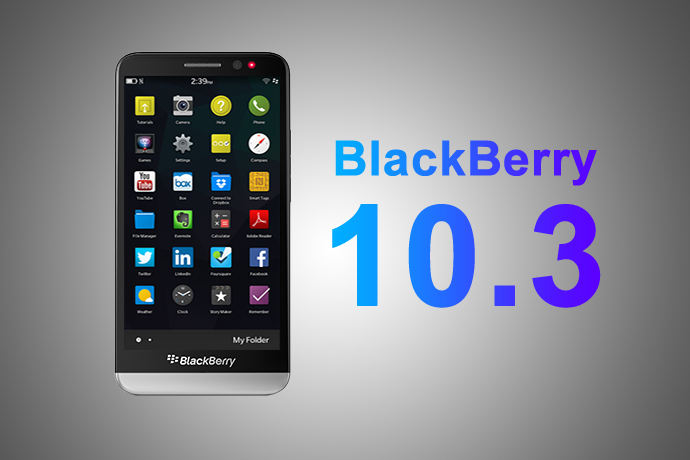
Overview of Advanced Interactions in BlackBerry 10.3.1
by - Apr 10, 2015 5:31 AM

BlackBerry Launches BES 12 Cloud for SMBs and Enterprises
by - Apr 8, 2015 5:21 AM
BlackBerry Apps Once Again!
by - Apr 6, 2015 5:53 AM
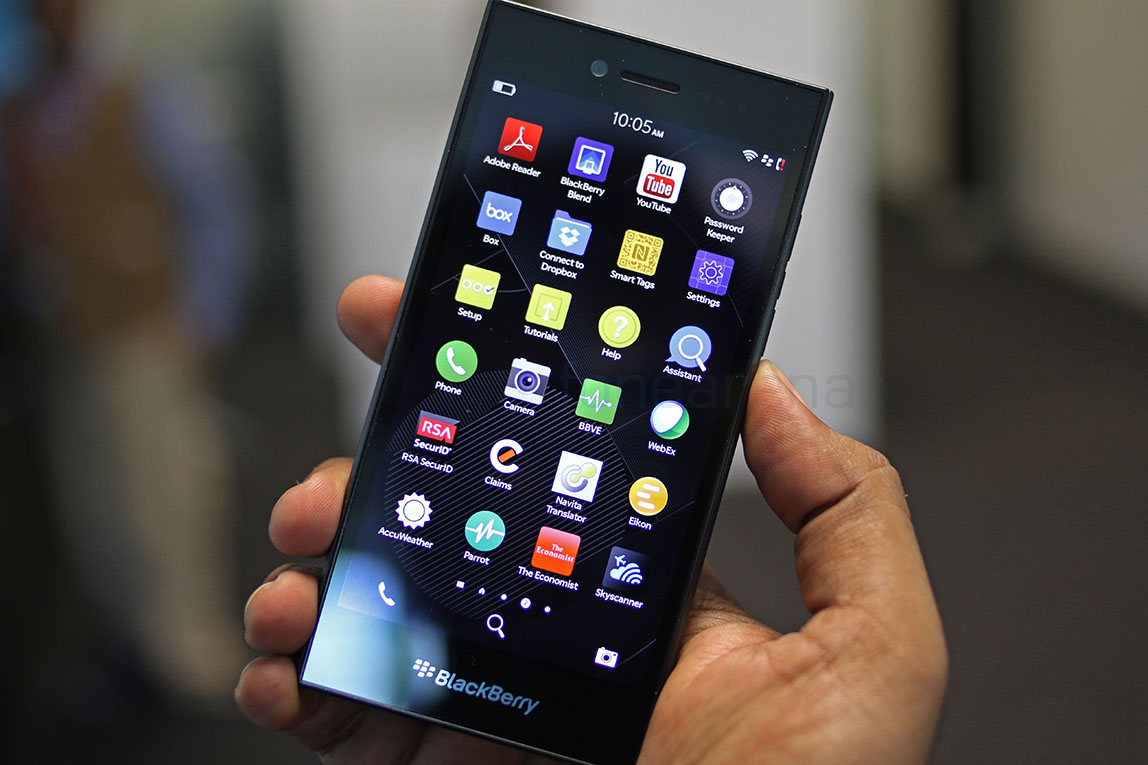
BlackBerry Leap up for Pre-Order
by - Apr 3, 2015 5:41 AM

BlackBerry Has Turned Things Around
by - Apr 1, 2015 4:53 AM
The BlackBerry Care Protection Plan for the Passport and the Classic Introduced
by - Mar 30, 2015 1:44 AM
Home › Forums › Setting Up A Mobile Hotspot Using Your Blackberry10 Smartphone
This topic contains 0 replies, has 1 voice, and was last updated by Thea Neuman 2 years ago.
You must be logged in to reply to this topic.