The BlackBerry Classic has garnered some strong reviews. It is a productivity workhorse for the busy professional. BlackBerry has included several keyboard shortcuts to make the device even more productive.
Here is a quick overview of important Classic keyboard shortcuts. Note that the availability of some of the shortcuts mentioned in this article depends upon the input language you use.
BlackBerry 10 Shortcuts
The shortcuts that come preloaded with BlackBerry Classic can be used when you are on the home screen or using the BlackBerry Hub. You can also customize these shortcuts. Here is a list of them.
To open the contacts application, press A.
To open the browser, press B.
To compose a new message, press 9 or C.
To create a new BB Remember note, press 5 or D.
To open the Help app, press H.
To lock the device, press K.
To open the Calendar app, press L.
To open the hub, press M.
To open BBM, press N.
To open the settings, press O.
To open the Phone application, press P.
To switch between Silent and Normal notification modes, press Q.
To open the Clock application, press 3 or R.
To create a task, press T.
To open the Calculator, press U.
To call voicemail, press 1 or W.
BlackBerry Hub
You can use the following shortcuts to quickly access various functions when you are in the Hub.
Press C to compose a message.
Press S to search the Hub.
Press U to open the next unread email.
Press T to reach the top of the messages and notifications list.
Press B to reach the bottom of the messages and notifications list.
In a message
Here the shortcuts you can use when you are in a message.
Press R, to send a reply.
Press F to forward a message.
Press W to flag a message
Press I to file a message
Browser app
The following shortcuts make it easy to use the browser app.
Press S to find text on the page.
Press N to go forward
Press P to go back
Press K to open the bookmarks
Press U to open the address bar
Press H to open your history
Press R to enter reader mode
Press L to refresh a page
Press I to zoom in
Press O to zoom out
Press T to reach the top of the webpage you are currently viewing.
Press B to reach the bottom of the webpage you are currently viewing.
Calendar app
While using the Calendar app, you can use the following keyboard shortcuts to do things faster.
Press T to go to today.
Press G to go to a specific date.
Press W to open the week view
 Press M to open the month view
Press P to go to the previous day/week/month.
Press N to go to the next day/week/month.
Press D to open the schedule view
Press A to open the agenda view
Press C to add a new event
Press S to search your events
To edit an event, you have to first open the event and then press E.
Related posts

BlackBerry Passport Wins the Mobile Madness Contest Held by TechnoBuffalo
by - Apr 13, 2015 5:39 AM
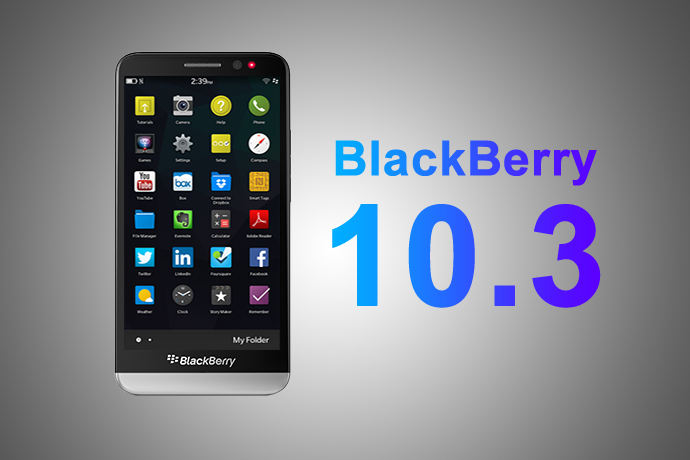
Overview of Advanced Interactions in BlackBerry 10.3.1
by - Apr 10, 2015 5:31 AM

BlackBerry Launches BES 12 Cloud for SMBs and Enterprises
by - Apr 8, 2015 5:21 AM

BlackBerry Apps Once Again!
by - Apr 6, 2015 5:53 AM

BlackBerry Leap up for Pre-Order
by - Apr 3, 2015 5:41 AM

BlackBerry Has Turned Things Around
by - Apr 1, 2015 4:53 AM

The BlackBerry Care Protection Plan for the Passport and the Classic Introduced
by - Mar 30, 2015 1:44 AM
Home › Forums › Quick Overview of Keyboard Shortcuts for BlackBerry Classic
This topic contains 0 replies, has 1 voice, and was last updated by Thea Neuman 1 year, 7 months ago.
You must be logged in to reply to this topic.